For sellers
Photos and video that sell
Buyers can't pick your item up, so the photos do the talking. Clear photos and a short video answer questions before anyone asks them: fewer “does it work?” messages, more “I'll take it”. All you need is a phone.
Background contrast
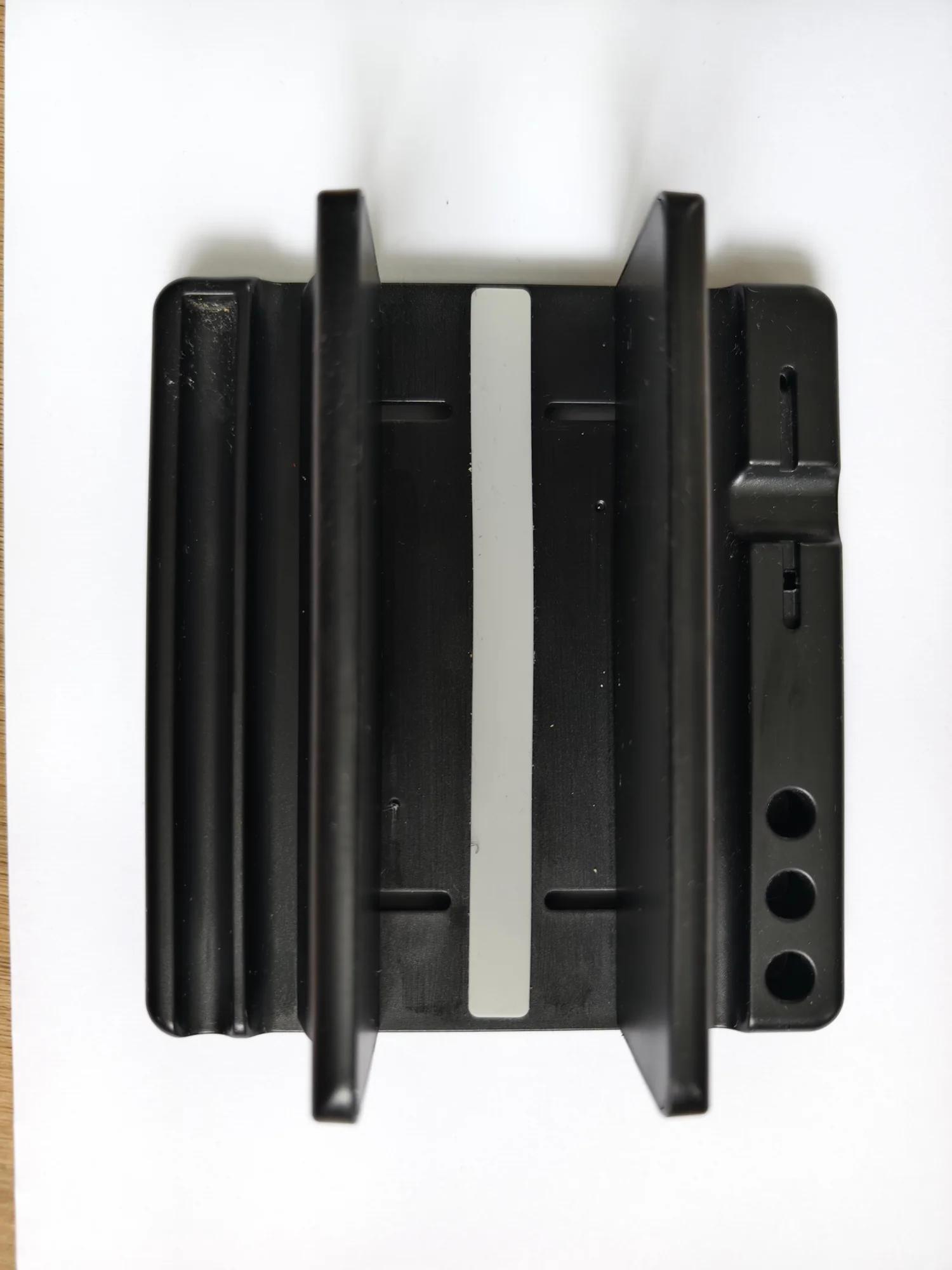
Dark item on a light background: every edge is clear.
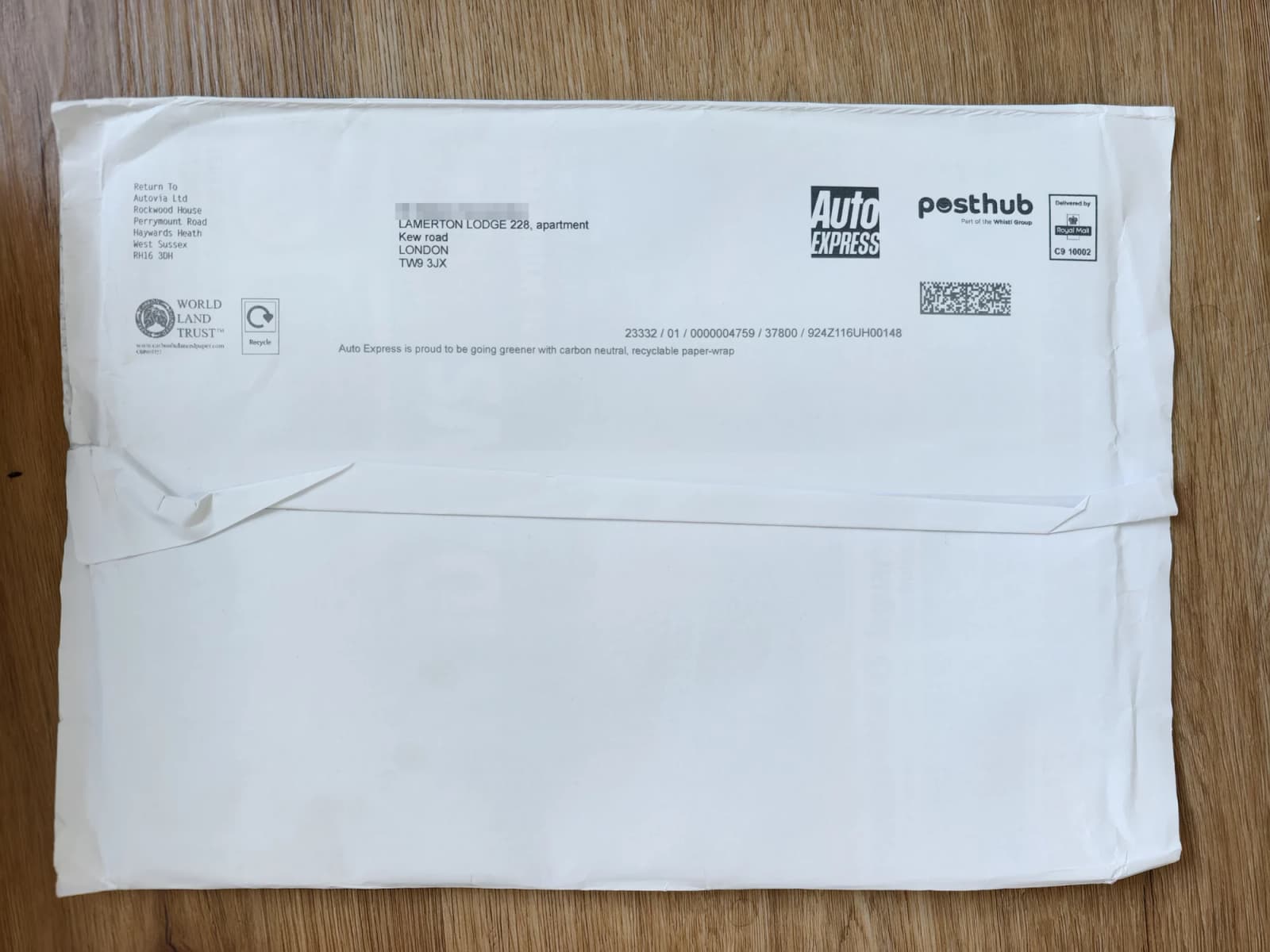
Light item on a darker surface: the shape stands out.
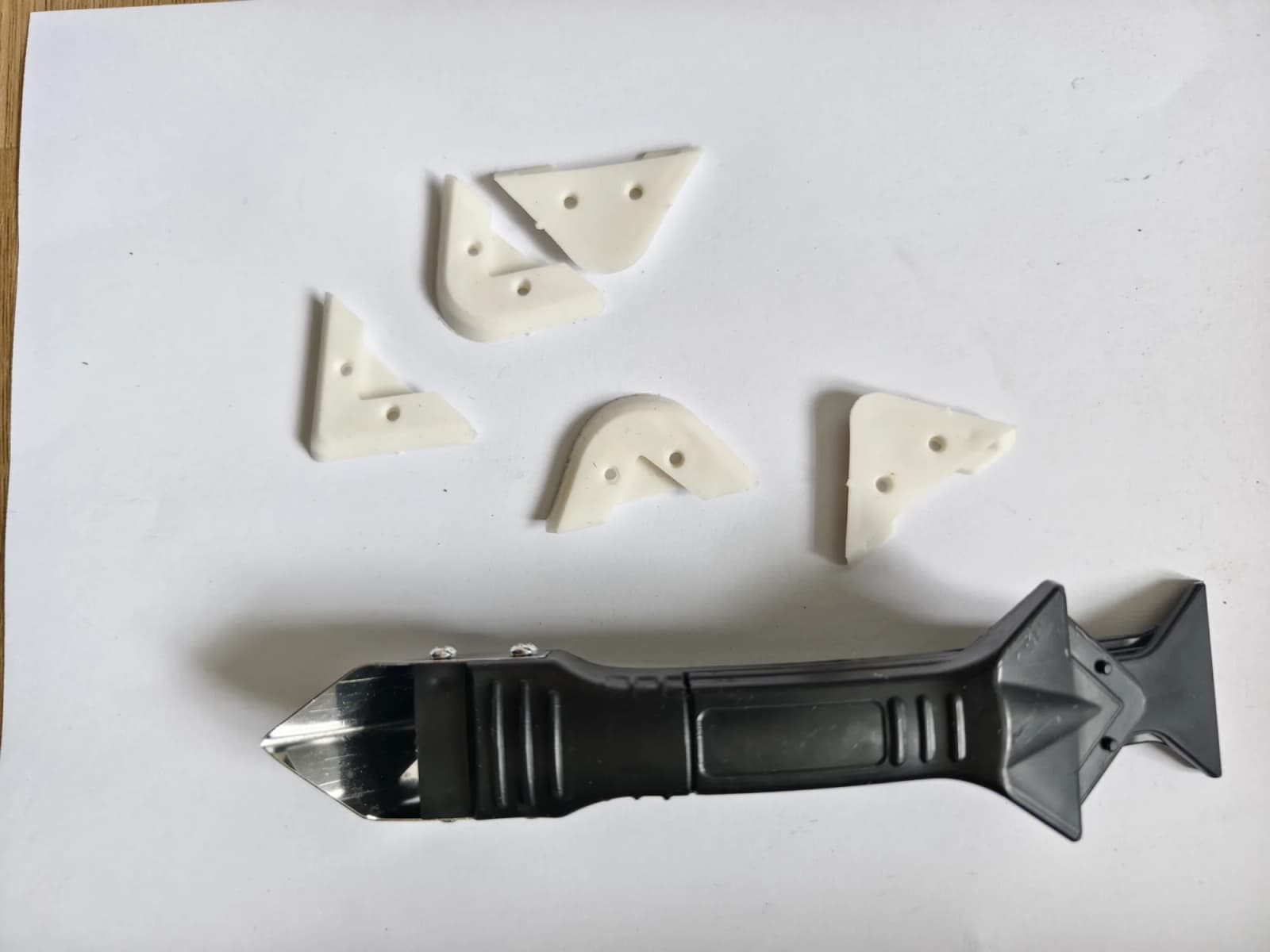
White on white: the small white pieces nearly disappear.
Seven photo rules
- 1
Use daylight. Stand by a window, no flash, no ceiling light. Overcast days are perfect: soft light, no hard shadows.
- 2
Contrast the background. Light item on a dark surface, dark item on a light one. A sheet of white paper, a dark towel or a wooden floor all work. Avoid busy patterns.
- 3
Fill the frame. Get close so the item takes most of the photo. Hold the phone straight; tilted photos look careless.
- 4
Cover photo first. The first photo is the one people see in the list: the whole item, from the front, nothing else in shot.
- 5
Then the rest. Back, sides, labels and model number, ports and buttons, what's in the box. 5 to 10 photos is a good number.
- 6
Show every fault. Scratches, dents, missing parts: close up and in focus. Buyers trust a listing that shows the flaws, and it saves returns and arguments.
- 7
Clear the room. No people, no mess, no post with your name and address in shot. Check reflections in screens and glass.
A 20-second video
Film upright, in daylight, without music or talking. One take is fine. For electronics, a video of it switched on is the strongest proof it works.
| 0–5 s | The whole item, turning slowly or with you walking round it. |
|---|---|
| 5–12 s | It working: switch it on, show the screen, press the buttons, spin the wheel. |
| 12–17 s | Close-up on any wear or fault, held still for two seconds. |
| 17–20 s | Everything that comes with it, laid out together. |
Want it done for you?
Our Studio photos option cleans up every photo and gives the item a clean cover, and Short video turns your photos into a moving clip. Both are on the Boost options page in your seller area.